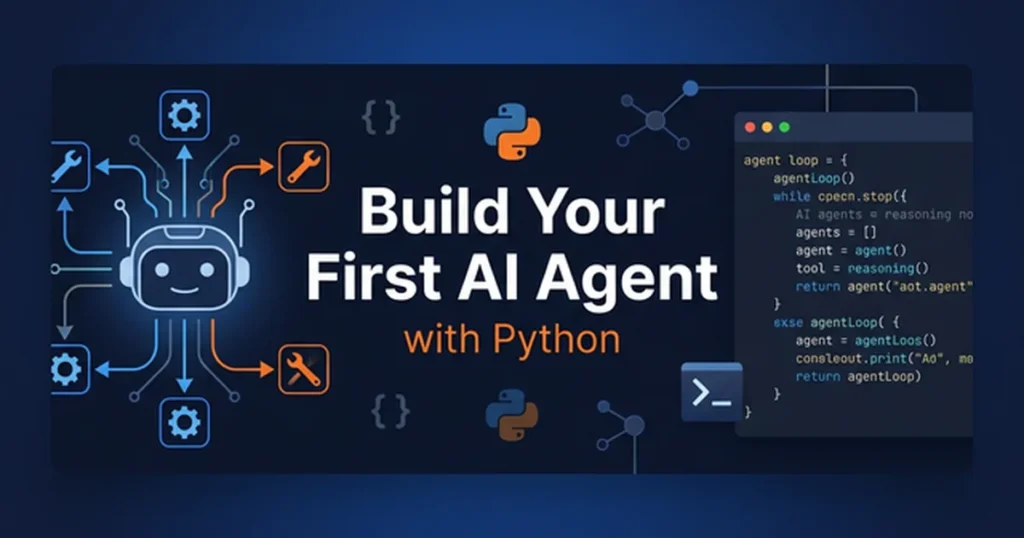
Artificial Intelligence is no longer just a research topic or a buzzword. Today, it is something developers can actually build, deploy, and iterate on in real-world applications. One of the most practical entry points into modern AI development is building an AI agent.
In this guide, you’ll go from zero to a working prototype of an AI agent using Python. We’ll keep things simple, practical, and focused on understanding the core concepts rather than overwhelming theory.
What Is an AI Agent?
An AI agent is a program that can:
- Perceive input (text, data, environment)
- Reason about it
- Take action based on that reasoning
- Optionally learn or improve over time
In modern development, especially with language models, an AI agent is often a system that:
Uses an LLM (like GPT-style models) + tools + memory + logic loop to accomplish tasks autonomously.
Think of it as a small assistant that can decide:
- What to do next
- What tools to use
- How to respond intelligently
Types of AI Agents (Simplified)
Before building one, it helps to understand the basic categories:
1. Reactive Agents
These respond directly to input without memory or planning.
- Example: simple chatbot
2. Tool-Using Agents
These can call external tools:
- calculators
- APIs
- web search
- file systems
3. Autonomous Agents
These can:
- plan multi-step tasks
- remember context
- iterate until a goal is achieved
In this tutorial, we’ll build a tool-using agent with simple memory and planning behavior.
What We’re Building
We’ll create a Python-based AI agent that can:
- Accept user input
- Use an LLM to decide what to do
- Call simple tools (like a calculator or notes system)
- Maintain short-term memory
- Return structured responses
By the end, you’ll have a prototype that feels like a mini “AI assistant loop.”
Prerequisites
You should be comfortable with:
- Basic Python
- Installing packages with pip
- Writing functions and classes
Install dependencies:
pip install openai
(You can replace OpenAI with any compatible LLM API if needed.)
Core Architecture of an AI Agent
A simple AI agent usually has 4 components:
1. Brain (LLM)
Responsible for reasoning and decision-making.
2. Memory
Stores previous interactions or context.
3. Tools
Functions the agent can call.
4. Agent Loop
The cycle:
Observe → Think → Act → Observe → Repeat
Step 1: Setting Up the LLM Client
We start by connecting to a language model.
from openai import OpenAI

client = OpenAI(api_key="YOUR_API_KEY")

def ask_llm(prompt):
    response = client.chat.completions.create(
        model="gpt-4o-mini",
        messages=[
            {"role": "system", "content": "You are a helpful AI agent."},
            {"role": "user", "content": prompt}
        ]
    )
    return response.choices[0].message.content
This function will act as the “brain” of our agent.
Step 2: Adding Simple Tools
Let’s give the agent abilities beyond text generation.
Tool 1: Calculator
def calculator(expression: str):
    try:
        return str(eval(expression))
    except Exception as e:
        return f"Error: {str(e)}"
Tool 2: Note Memory
memory_store = []

def save_note(note: str):
    memory_store.append(note)
    return "Note saved."

def read_notes():
    return "\n".join(memory_store) if memory_store else "No notes yet."
Now our agent can store and retrieve information.
Step 3: Defining Tool Logic
We need a way for the LLM to decide which tool to use.
We’ll simulate this using structured output.
def decide_action(user_input):
    prompt = f"""
You are an AI agent. Decide what to do.

Available actions:
1. calculator(expression)
2. save_note(text)
3. read_notes()
4. respond_directly(text)

User input: {user_input}

Return ONLY JSON like:
{{
  "action": "...",
  "input": "..."
}}
"""
    return ask_llm(prompt)
In a real system, you’d parse JSON safely, but we’ll keep it simple for the prototype.
Step 4: Executing Actions
Now we connect reasoning to execution.
import json

def run_agent(user_input):
    decision_raw = decide_action(user_input)

    try:
        decision = json.loads(decision_raw)
    except:
        return "Failed to parse decision."

    action = decision.get("action")
    value = decision.get("input")

    if action == "calculator":
        return calculator(value)

    elif action == "save_note":
        return save_note(value)

    elif action == "read_notes":
        return read_notes()

    elif action == "respond_directly":
        return ask_llm(value)

    else:
        return "Unknown action."
This is the core of your AI agent.
Step 5: Running the Agent Loop
Let’s test it in a simple loop:
if __name__ == "__main__":
    print("AI Agent Started (type 'exit' to quit)")

    while True:
        user_input = input("\nYou: ")

        if user_input.lower() == "exit":
            break

        response = run_agent(user_input)
        print("Agent:", response)
Now you have a working interactive AI agent.
Example Interactions
Example 1: Calculation
User:
What is 45 * 12 + 8?
Agent:
548
Example 2: Memory
User:
Save note: I need to study AI agents.
Agent:
Note saved.
User:
Show my notes.
Agent:
I need to study AI agents.
What You Just Built
You now have a basic AI agent with:
- LLM reasoning
- Tool usage
- Memory storage
- Execution loop
This is the foundation of much more advanced systems like:
- autonomous research agents
- coding assistants
- workflow automation bots
How to Improve This Agent
Right now, this is a prototype. Here’s how to level it up:
1. Add Proper JSON Parsing
Use strict schema validation instead of raw parsing.
2. Add Real Tool Calling
Instead of manual mapping, implement function-calling APIs.
3. Add Long-Term Memory
Use:
- SQLite
- vector databases
- embeddings
4. Add Planning
Let the agent break tasks into steps.
5. Add Error Recovery
If a tool fails, the agent should retry or adjust strategy.
Advanced Direction: Multi-Step Agents
Once you understand this prototype, you can extend it into:
- ReAct agents (Reason + Act loops)
- LangChain-style workflows
- Autonomous task executors
- Multi-agent systems
The key idea remains:
AI agents are just loops that combine reasoning + tools + memory.
Common Pitfalls
1. Overcomplicating too early
Start simple, like this prototype.
2. No tool boundaries
Always define what the agent is allowed to do.
3. Unsafe eval usage
Never use eval in production without sandboxing.
Final Thoughts
Building your first AI agent is less about complex AI theory and more about understanding a system loop:
Input → Reason → Act → Feedback
Once you understand this pattern, you can build surprisingly powerful systems with just Python and an LLM API.
This prototype is your starting point—not the end goal. From here, you can evolve it into a fully autonomous assistant capable of handling real-world tasks.